Uh … so has anyone else noticed that Instagram is automatically labeling your content as AI?!
PLOT TWIST! It’s prooobably because you used Canva’s background remover tool.
Allegedly. (I’ll explain more in a sec.)
But because I’m Design Illiterate and can’t be bothered to learn Photoshop, and I don’t want a single thing I create to be associated with AI (this website is 100% AI-free, by the way), I went on the hunt to find a way to remove backgrounds that won’t:
Require me to learn Photoshop-level design
Ask me to pay
Force me to log in
It was easier than I thought!
Jukebox is a printing company that created a free background remover tool simply because they wanted to make it easier for their customers to create high-quality products.
(I mean, imagine all their products came out looking like shit because the business owners using their services aren’t design experts… Jukebox can’t have that! Hence, their free high-quality background remover tool)
But first, let’s figure out if you actually need to use Jukebox instead of Canva.
Does Canva’s background remover tool actually mark your content as AI on Instagram?
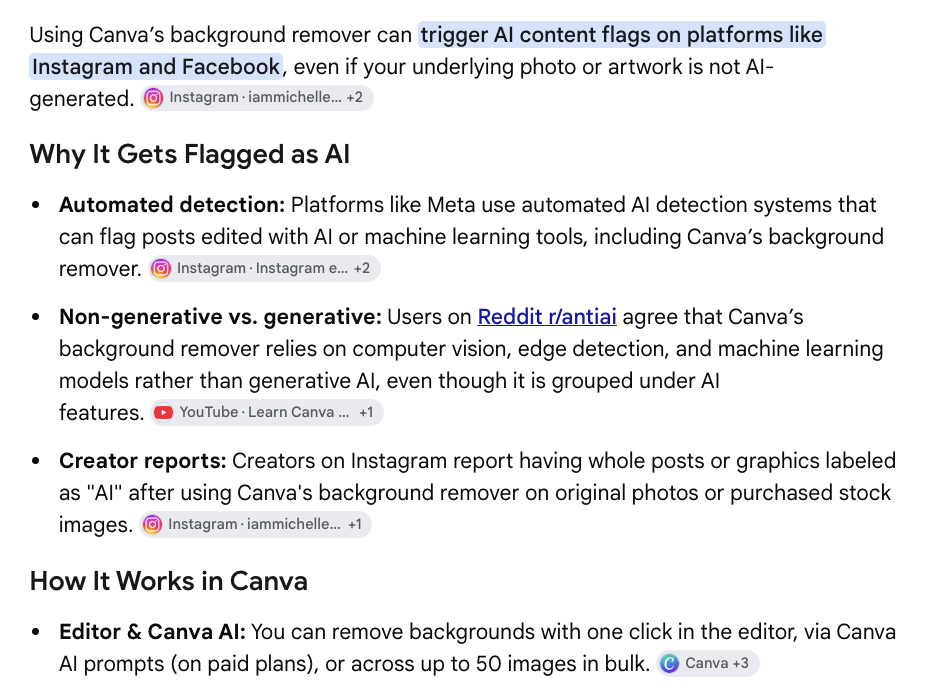
According to Google‘s AI overview, yes, Canva’s background remover tool DOES mark your content as AI on Instagram.
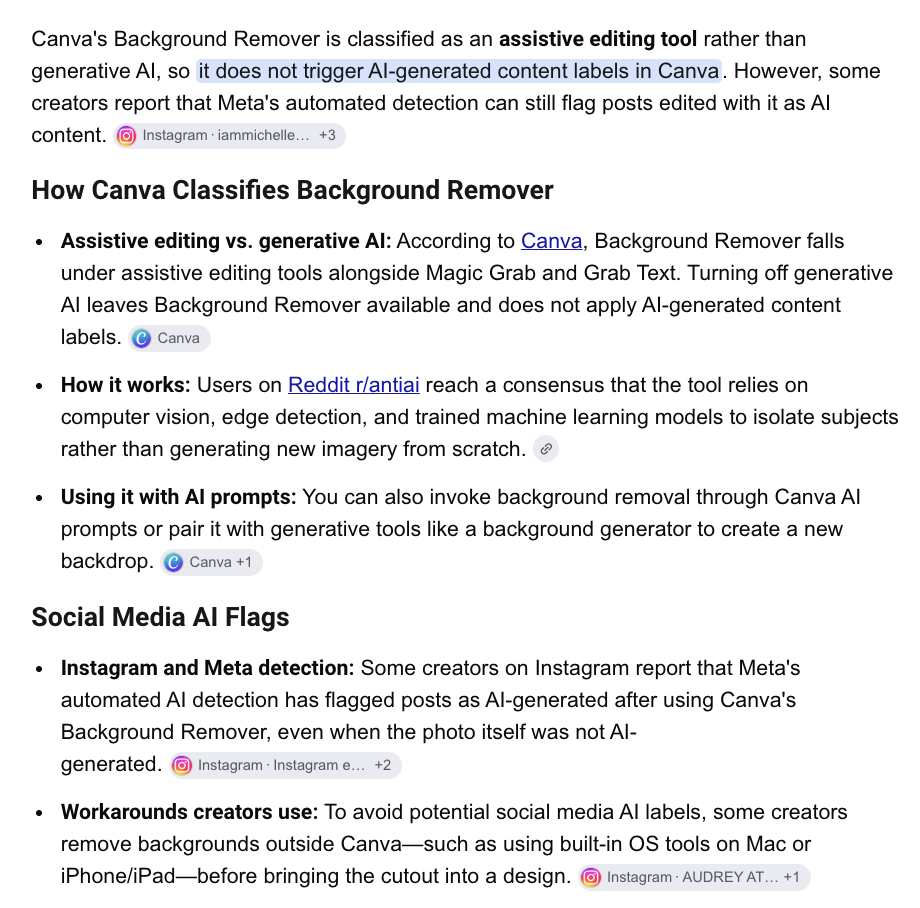
But then I searched AGAIN, and Google said, no, Canva’s background remover tool does NOT mark your content as AI on Instagram.
SO WHICH IS IT?!
This is why the internet is hard. There’s so much conflicting information out there. 😭
Jess wrote an article on The Verge about how Instagram’s AI detection is a mess (again), noting that,
“Meta has been automatically applying an “AI Content” label to images that they didn’t create or edit using generative AI tools. Meanwhile, actual AI imagery is slipping through the cracks, leaving the impression that nothing can be trusted on Instagram at all.”
So what’s going on here?
Is this a Canva problem? An Instagram problem? A user-error problem?
There’s only one REAL way to figure it out.
Boots on the ground journalism.
(Which I did for you. You’re welcome)
Why are your Instagram posts being labeled as AI?
When you create something with AI, it automatically adds what’s called “metadata” behind your content.
(kinda like adding SEO metadata to your pages so your website shows up in search)
Imagine you upload a photo to Canva, remove the background, download it with your other carousel slides, and upload it to Instagram.
What you CAN’T see is the code (a.k.a metadata) behind your pictures. Any little adjustments you make has the potential to adjust that code/metadata and get your content labeled as AI.
You tweak the saturation on your picture using iPhone settings? → Your content might be “AI”
You remove a background from your photo with Canva’s background remover tool? → Your content might be “AI”
Creator Jess Bruno actually talked to Canva about the AI flags on their Instagram content back in August 2026.
Here’s what Canva said about why your Instagram posts may be labeled as AI:
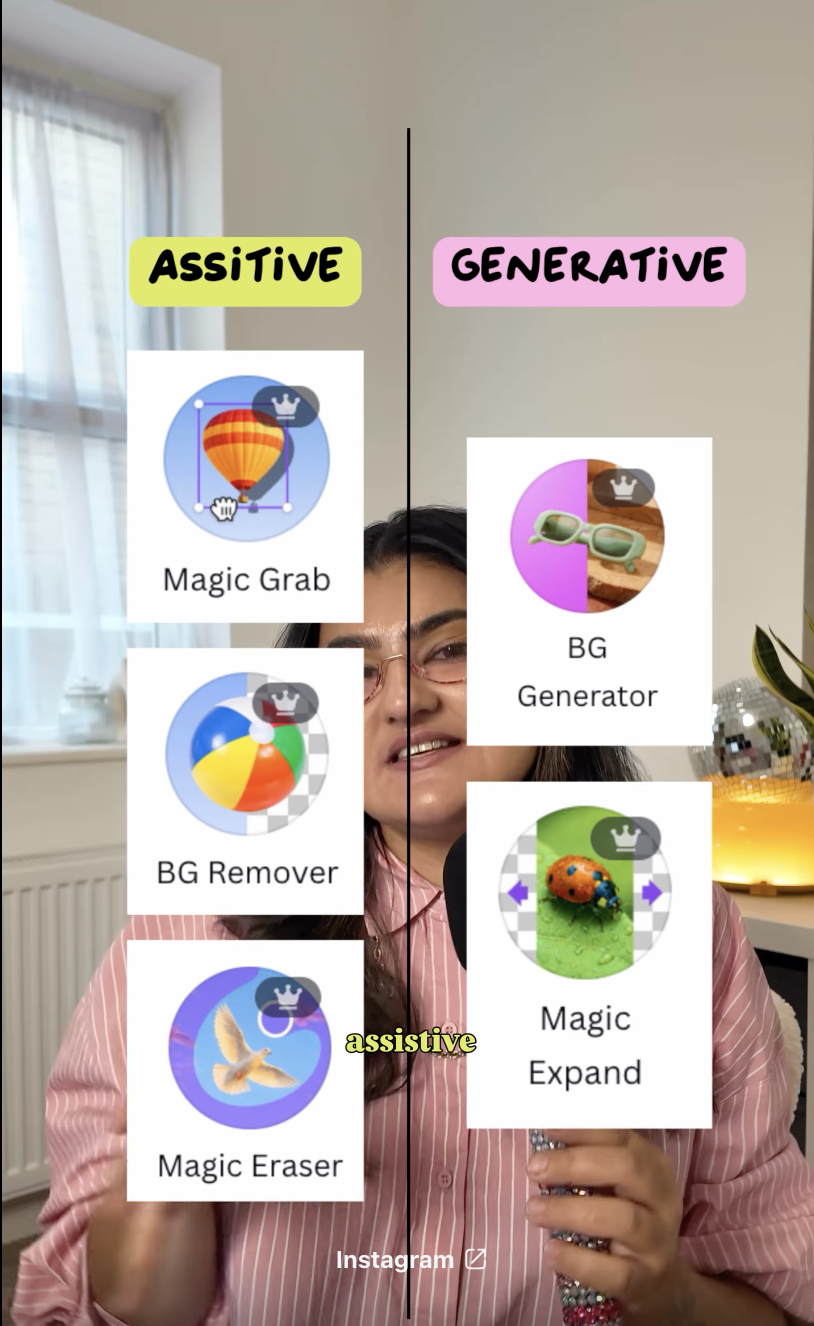
Assitive tools should NOT label your content as AI. This now includes:
Magic Grab
Magic Eraser
Background Remover
Generative tools MAY label your content as AI. This used to include Magic Grab, Magic Eraser, and the Background Remover. Canva has since fixed this, presumably, by making sure only the following tools label AI metadata behind your content:
Background Generator
Magic Expand
But that’s not what you’re still hearing from your fellow creators on Instagram, is it?
Removing your background might still get your content labeled as AI
Just 3 months ago (the same month Jess talked to Canva), this Reddit thread brought up the problem again (with one user saying they’re “getting ready to cancel my subscription at this point”).
Girl Gang Craft brought up in this reel, suggesting you can avoid being labeled as AI by cutting out your own shapes in Photoshop.
(but if you’re Design Illiterate like me, that’s a big hell naw)
Kaleigh talks about how INFURIATING it is to spend hours on a post just to have Meta label it as AI.
Honestly, this whole AI-label thing has made me want to post on Instagram less than I already do.
Until, of course, I see cool posts like this that make me WANT to get more creative on Instagram.
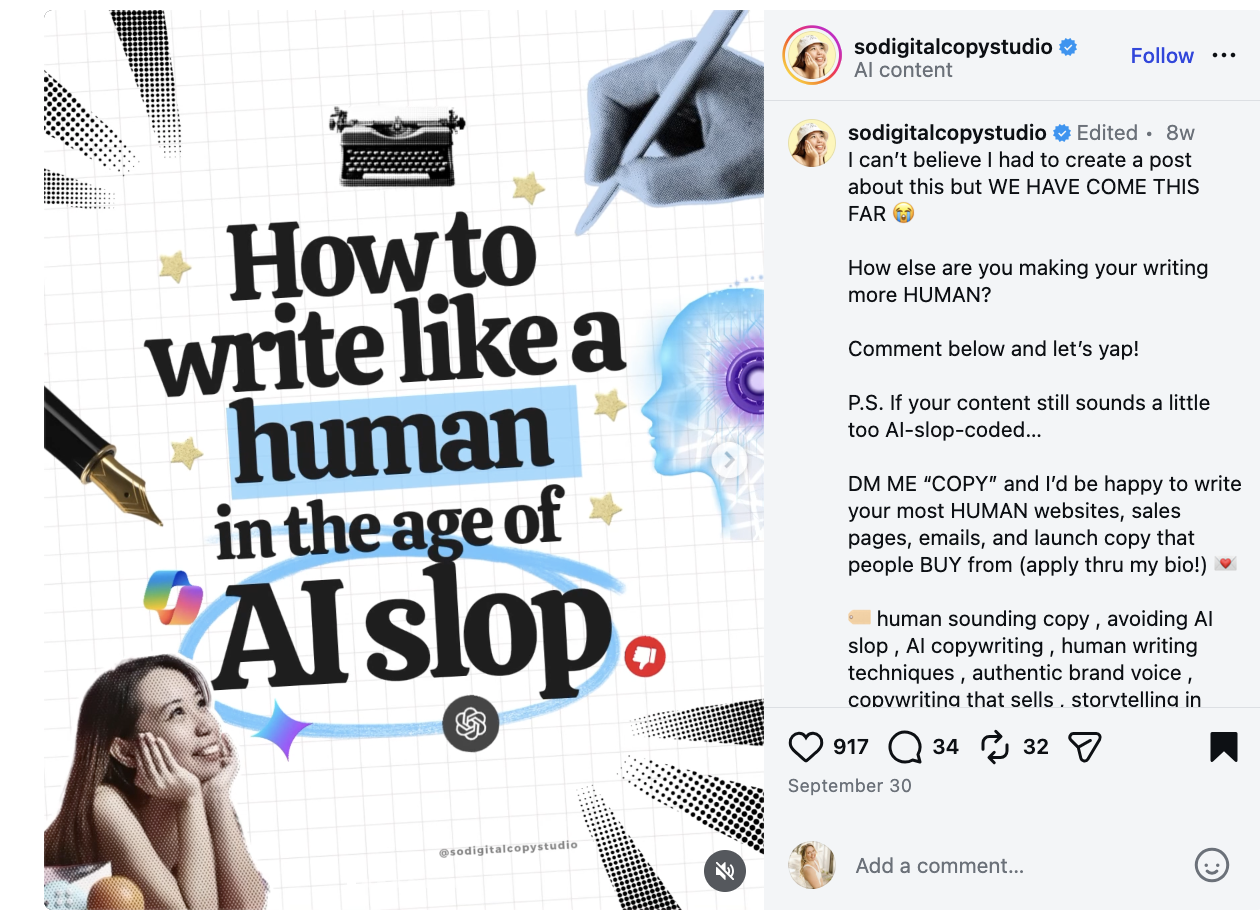
Did you notice the irony, though?
THAT anti-AI post was also labeled as AI!
The creator, Sophia, even commented how PISSED she was about this:
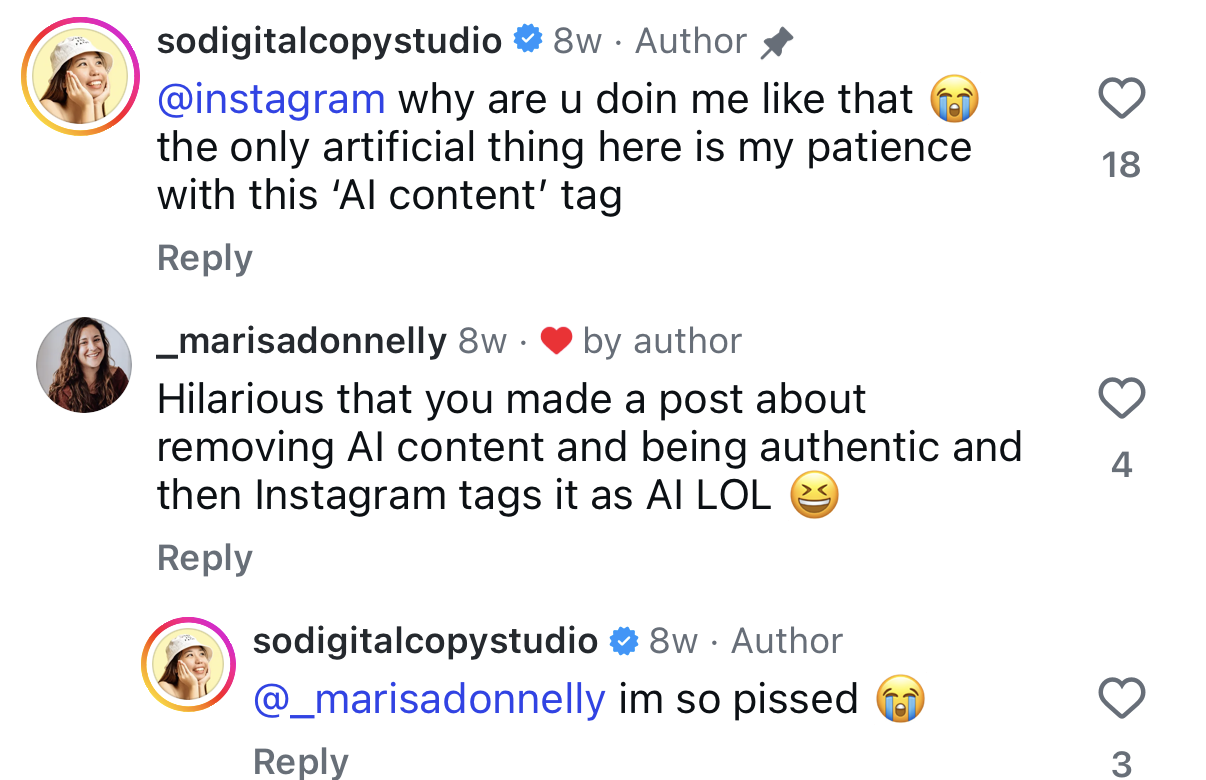
Was it because she used Canva’s background remover tool? It seems likely.
So what’s the solution? How can we do something as friggin’ simple as removing a background without being labeled as AI?
Here’s what I recommend:
Remove.bg is now 100% owned by Canva: 3 best free alternatives for full-resolution transparent PNGs
Everyone’s favorite background remover tool used to be remove.bg
However, as of December 1, 2026, remove.bg will only be available exclusively inside Canva.
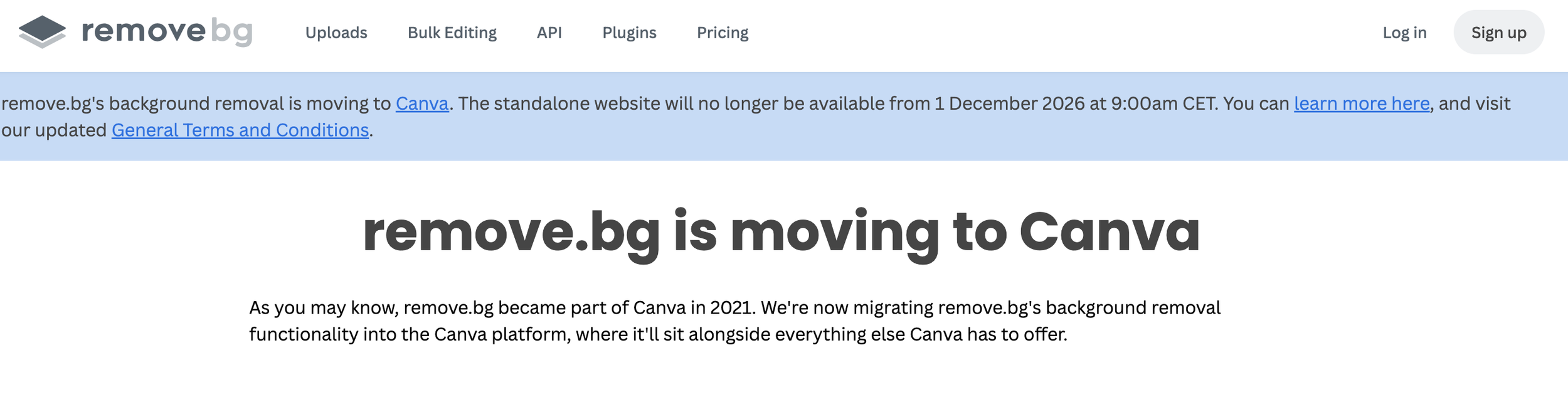
To be fair, Canva has used remove.bg since 2021, but now Canva is the only place you’ll be able to use this tool.
Which sucks because now to use it, you:
Need a PAID Canva account
Have to log in
Might still be labeled as AI!
So if you’re looking for a FREE alternative for a full resolution PNG background remover tool that can help you AVOID being labeled as AI, here’s what you can use:
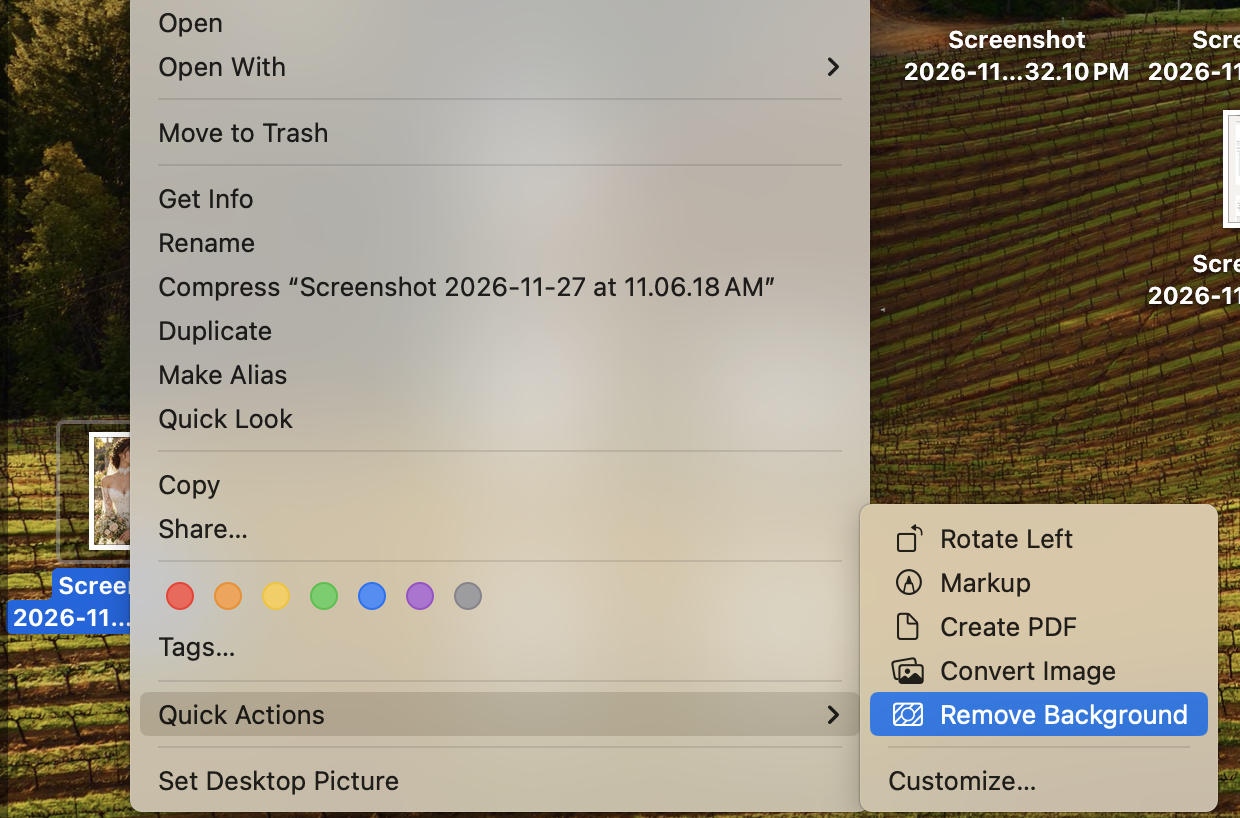
1. Macbook
Literally all you have to do is right-click a screenshot or image on your desktop
Go to Quick Actions > Remove background
OR
Click on the image and go to Tools > Remove background
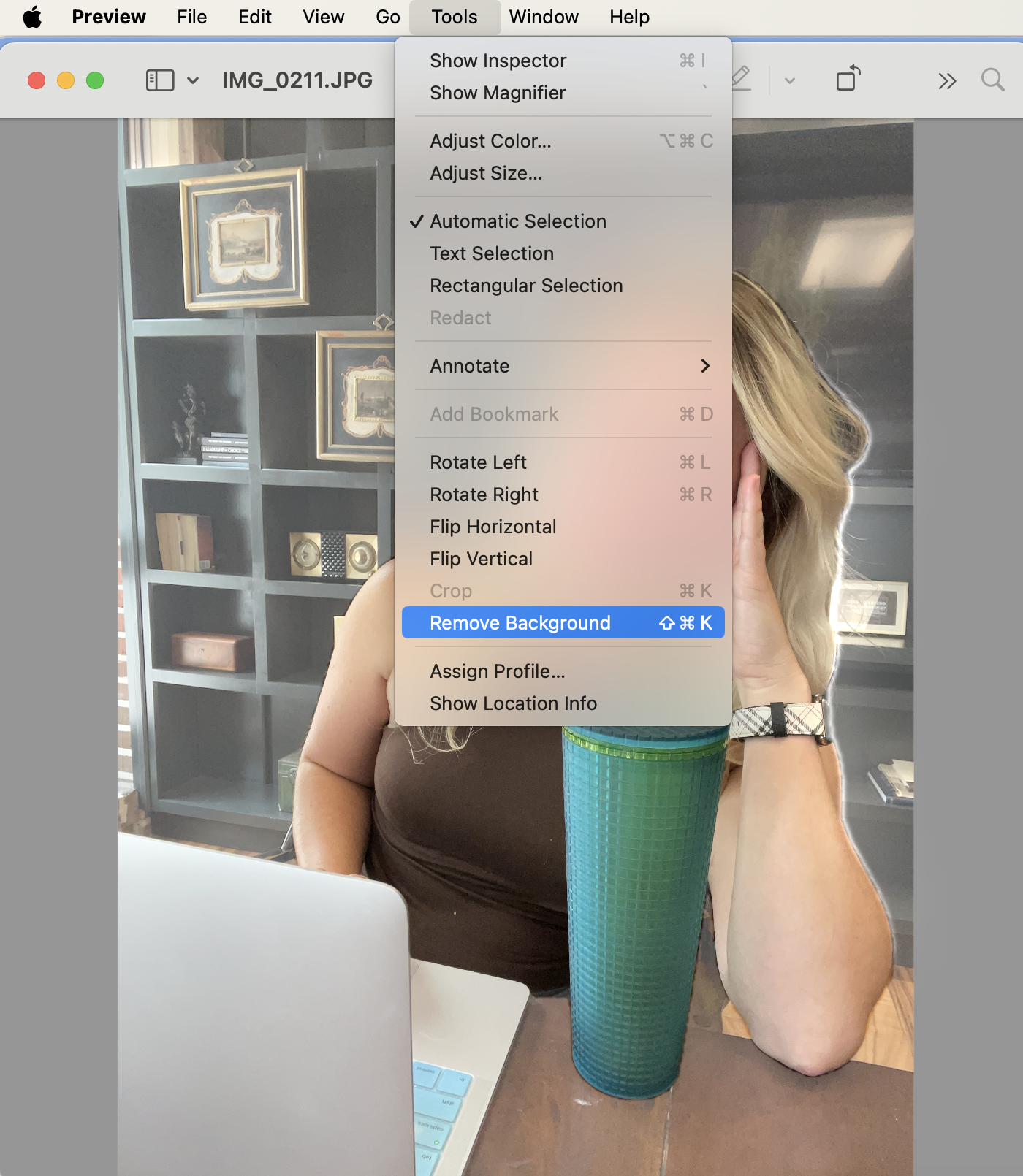
And BOOM! Ya done.
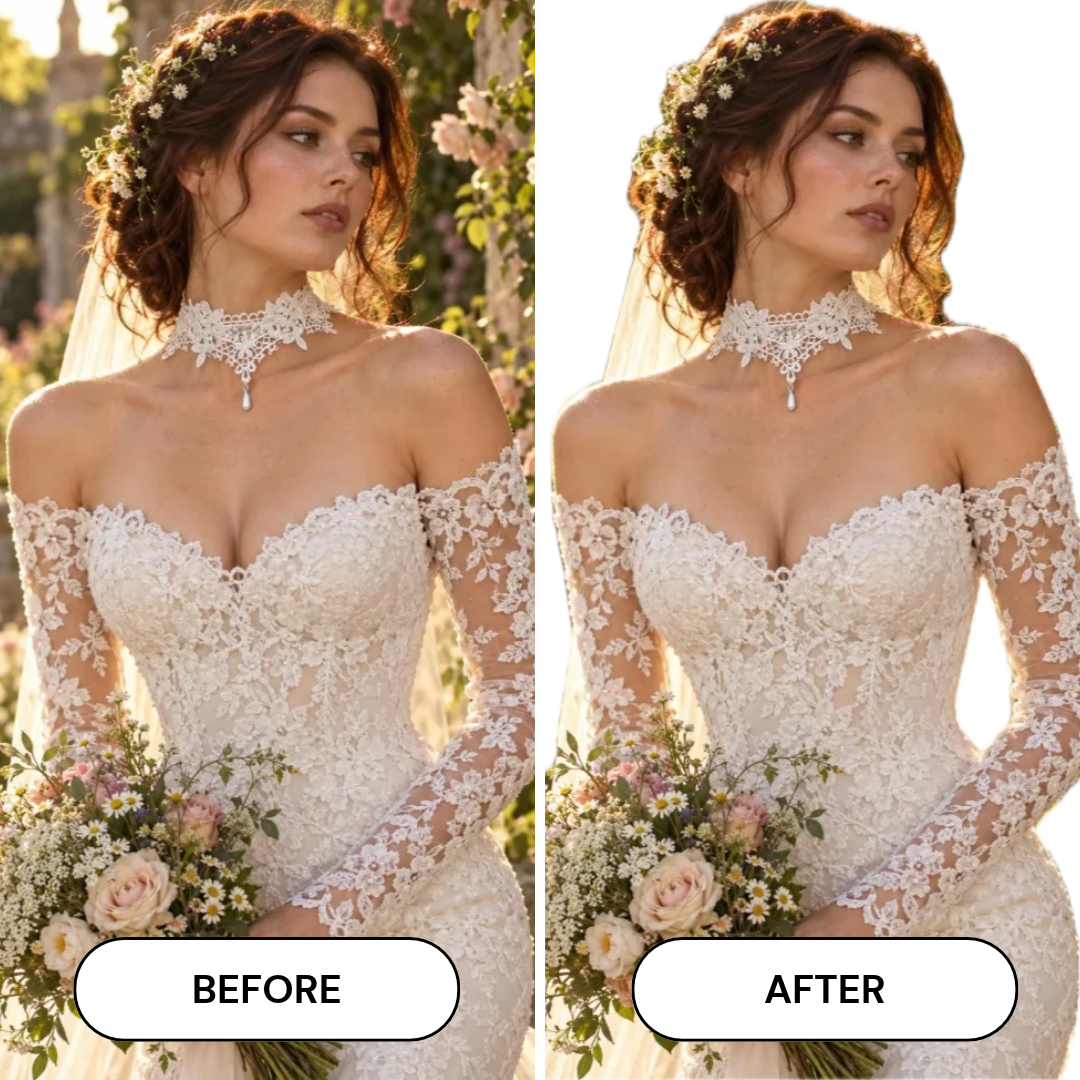
However, the lines aren’t ALWAYS that clean. The first pic is a screenshot I took of a dress I liked.
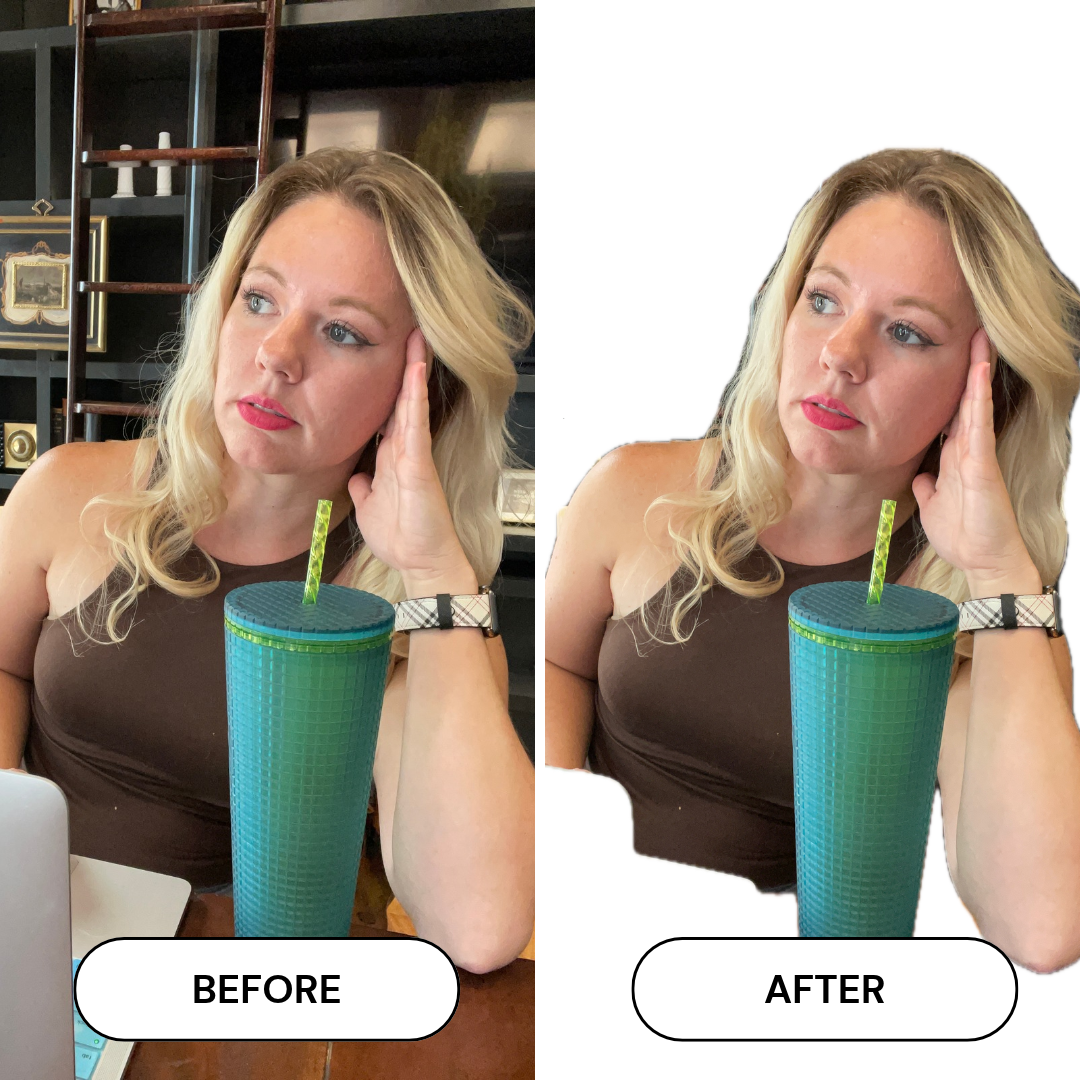
Here’s what happened when I tried to use my Macbook to remove the background from a JPG image from my phone (which… yikes)
Pros
It’s easy AF
Clean lines (sometimes)
Converts to PNG automatically
Can be done right on your computer, no log in required
Cons
Messy edges (sometimes) that you can’t edit
May still label you as AI on Instagram
Still have to upload it to Canva to complete your content
Not sure if this is available on Android
2. Your phone
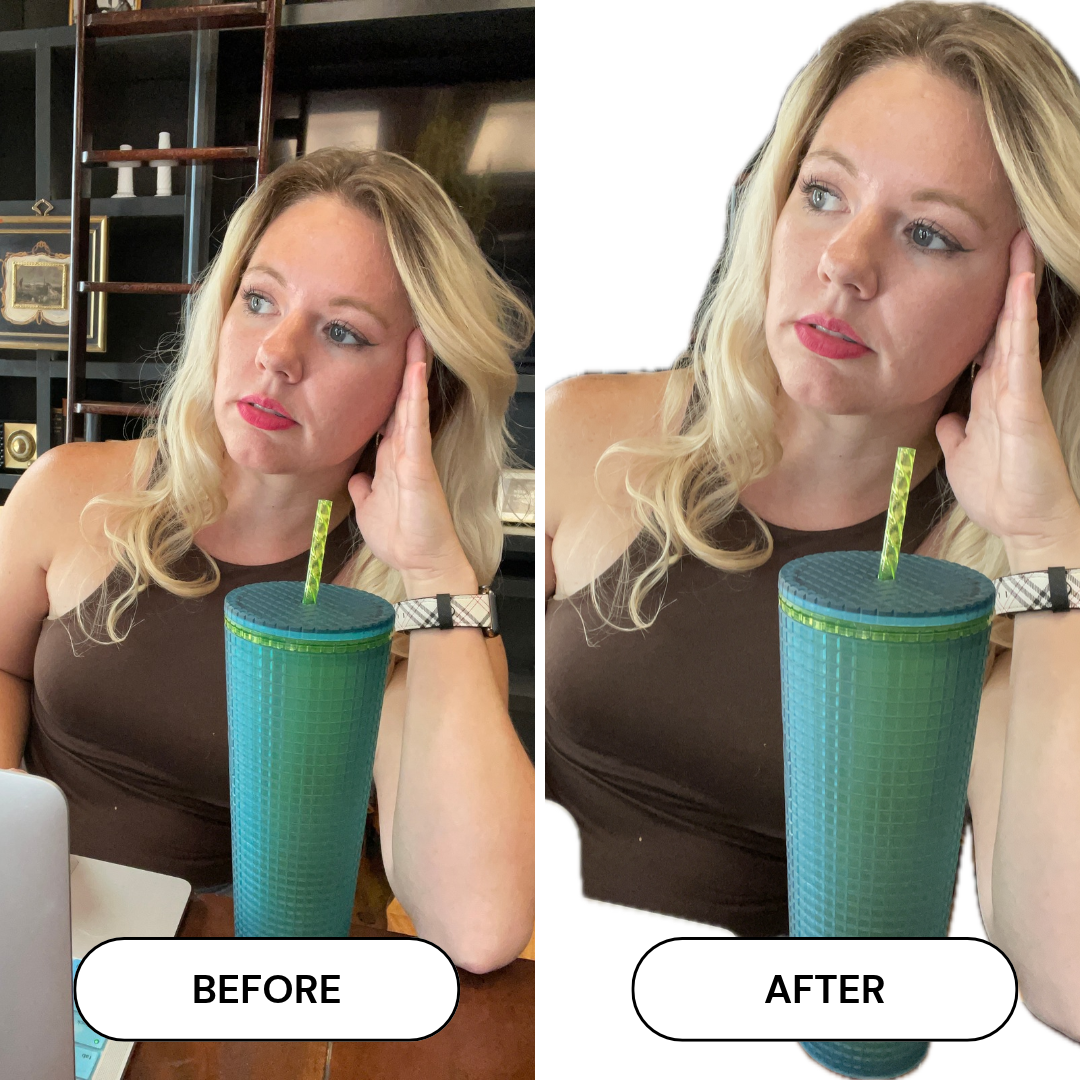
Another super simple and FREE way to remove backgrounds from your photos is to just use your iPhone!
Just choose the image you want to remove the background from and hold down on the main subject with your thumb until you see a white outline.
Release your thumb, then click Share

Click Save Image, and that’s it!
Pros
Easy and free
Can be done right on your phone, no log in required
Likely won’t label you as AI
Cons
Messy edges that you can’t clean up
Less color?
Not sure if this is available on Android
Still have to upload it to Canva to complete your content
3. Jukebox
Jukebox’s free background remover tool is the one I mentioned in the beginning.
And like I said befooooore, I really like the fact that they made this tool for FREE just for their customers!
They don’t need you to log-in or have a paid subscription like Canva because that’s not their primary business. They just want you to be able to print high-quality products.
All you have to do is:
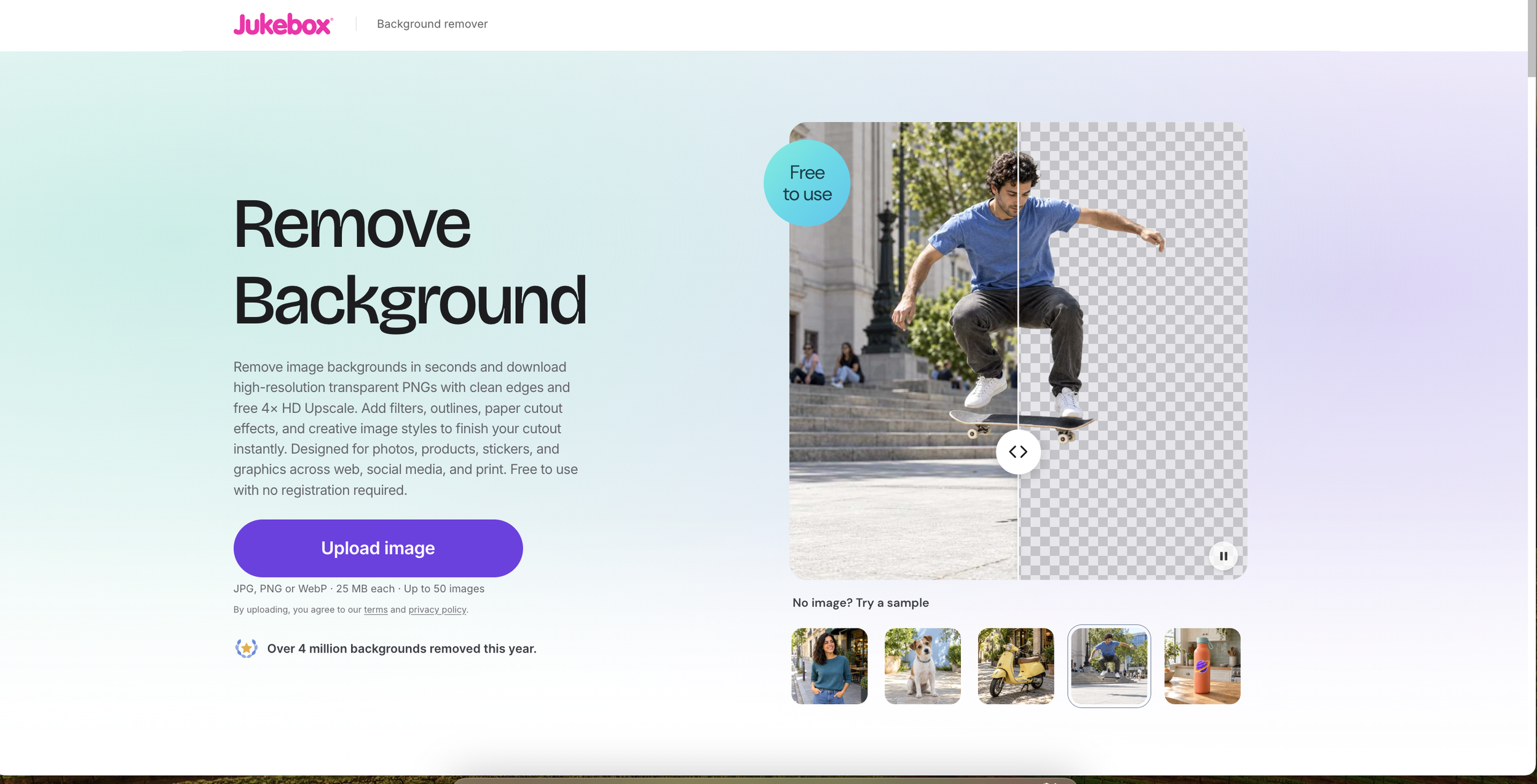
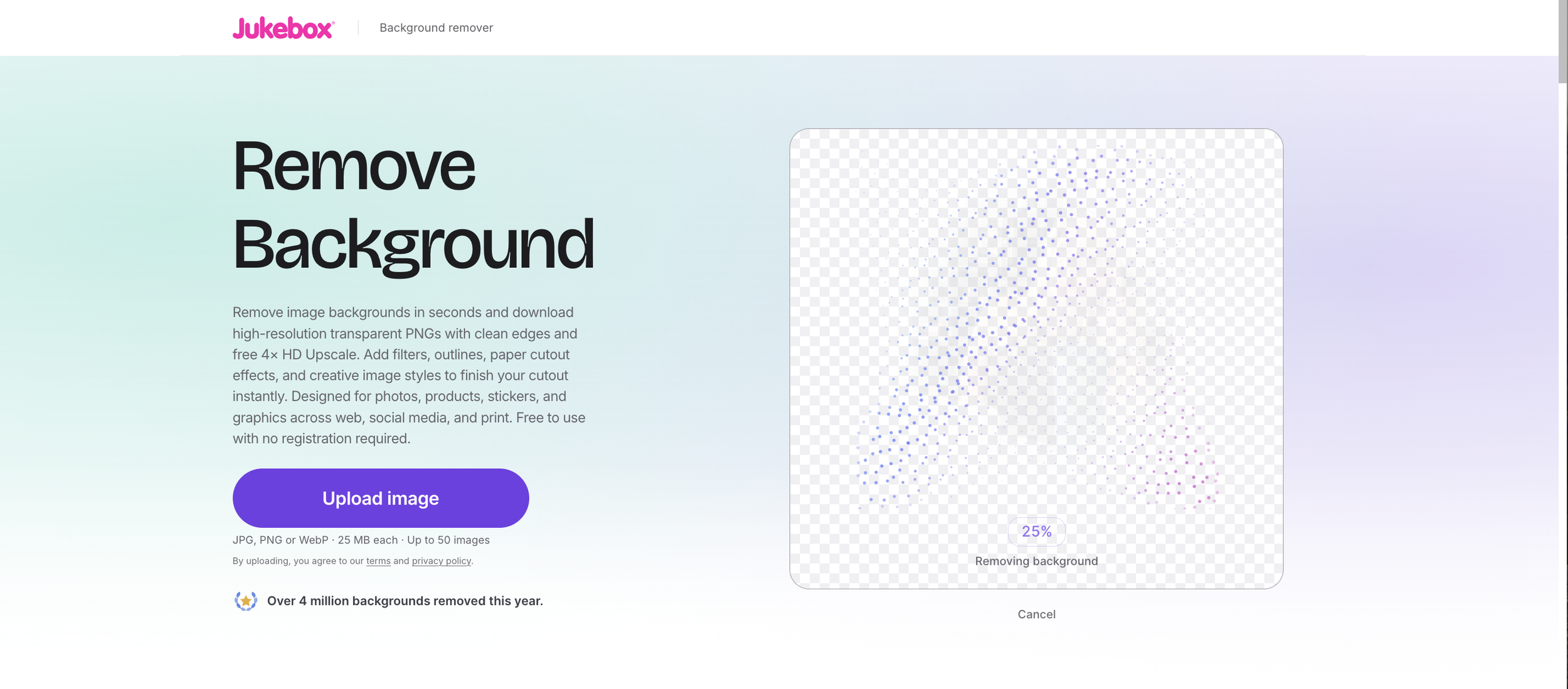
Upload your photo (this took 11.86 seconds… yes I timed it like a weirdo)
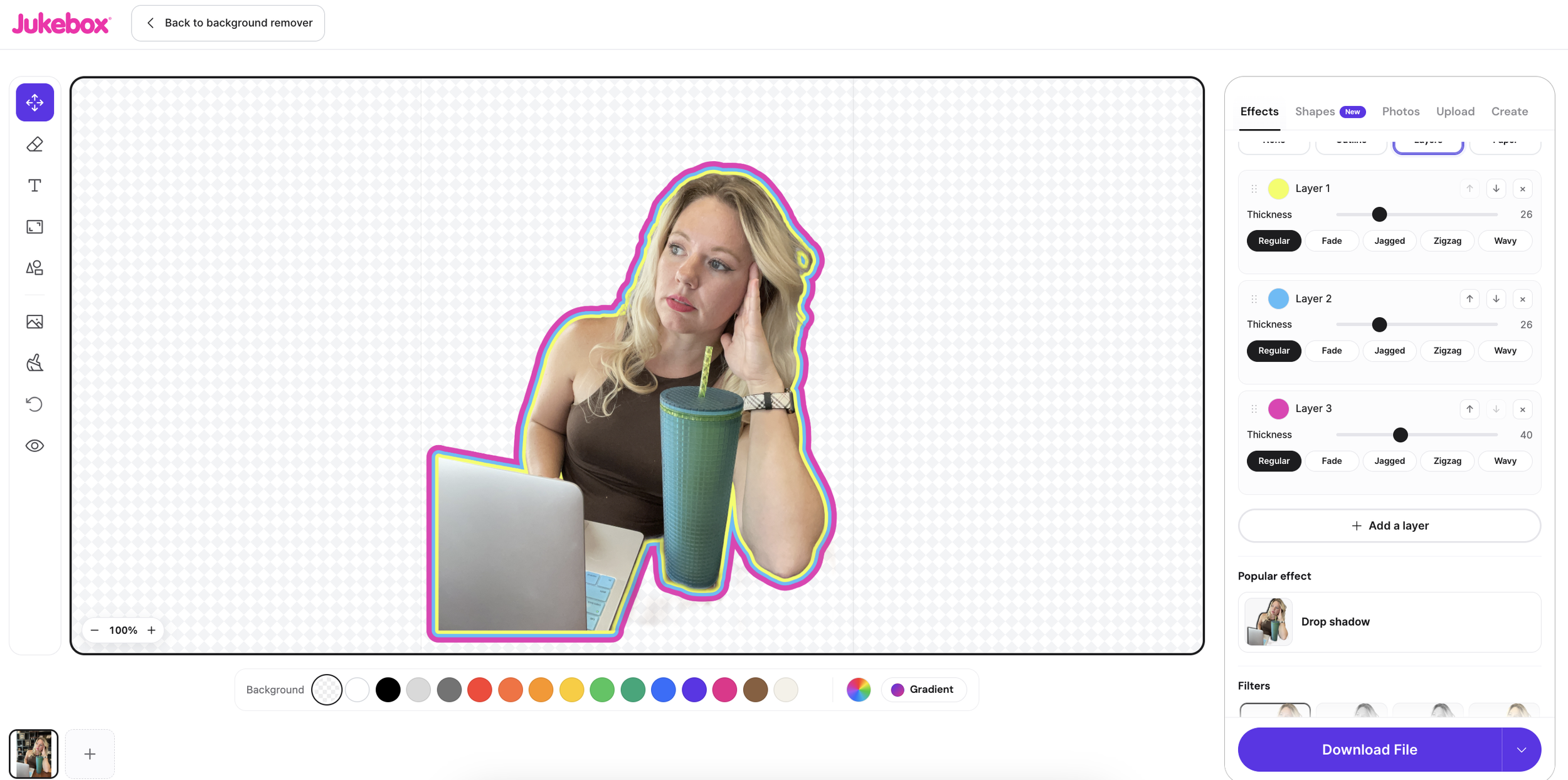
Edit the edges (if ya want)
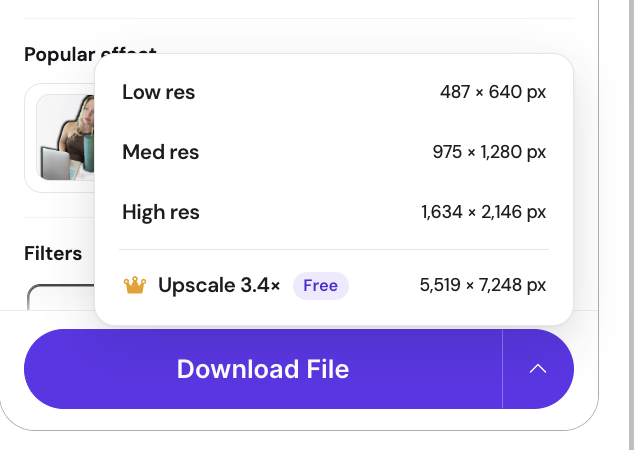
Download your high-quality PNG!
Pros
Free
No log in required
Clean edges with Magic Brush (if needed)
LOTS of fun one-click editing tools like lines, filters, add text, cut to shape, etc
Can remove backgrounds from 50 images with 1 click
Converts to high-quality PNG automatically
Cons
You might have to clean your lines
Still have to upload it to Canva to complete your content
You can remove backgrounds from your photos without getting labeled as AI
And you can do it WITHOUT upgrading to a paid Canva plan if you don’t need it!
You can remove backgrounds from your photos and get CLEAN lines and high-quality images using your Mac, your iPhone, or a free background remover tool like Jukebox.
And if you want to learn how to get all that Instagram content to reach more of the RIGHT people?
Then you need to read this next: How Instagram SEO really works (hint: don’t do this popular “hack”